CROs and CDMOs
Host sponsor and client audits in one room per client, with SOPs, batch records and deviations ready to read.
For exampleA sponsor's two-day audit of your quality system
One room per clientRequestsActivity record
Built for sponsor, client and supplier audits, and just as good for legal, finance and board work. Every viewer accepts your NDA or CDA, sees their name on every page, and opens only what you allow.
14 days free. No card needed.
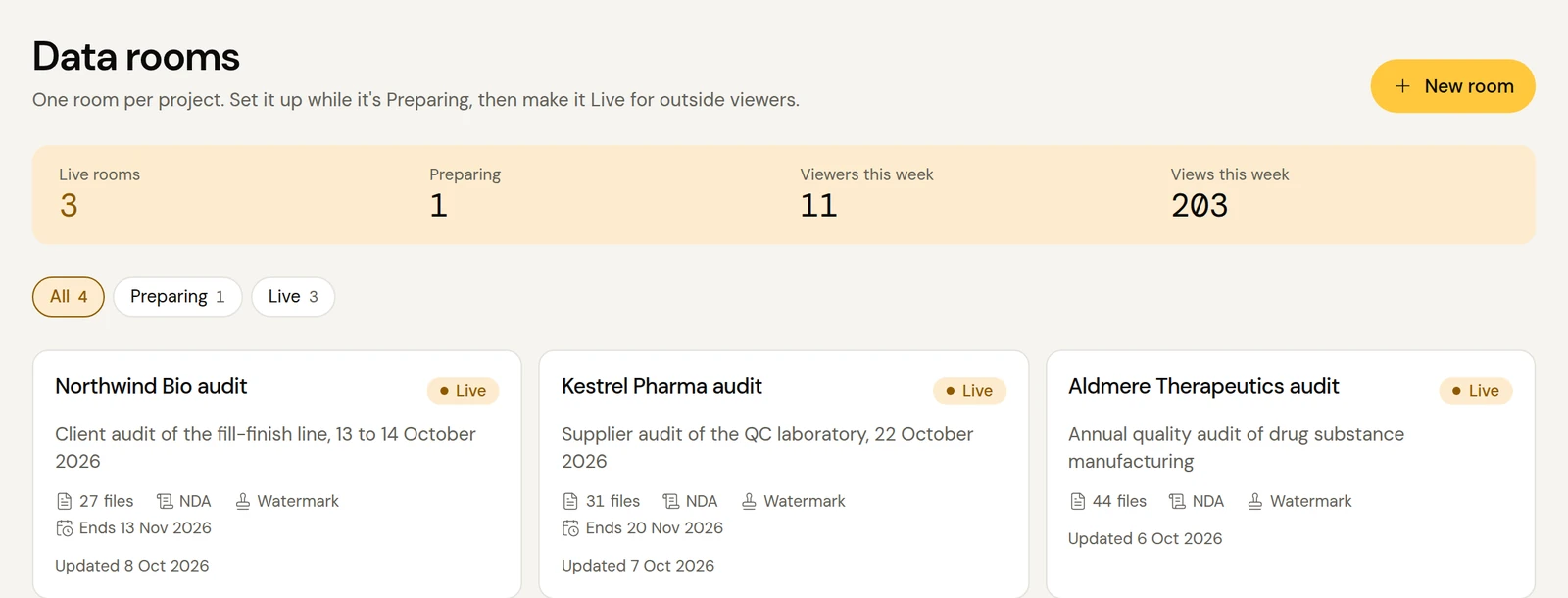
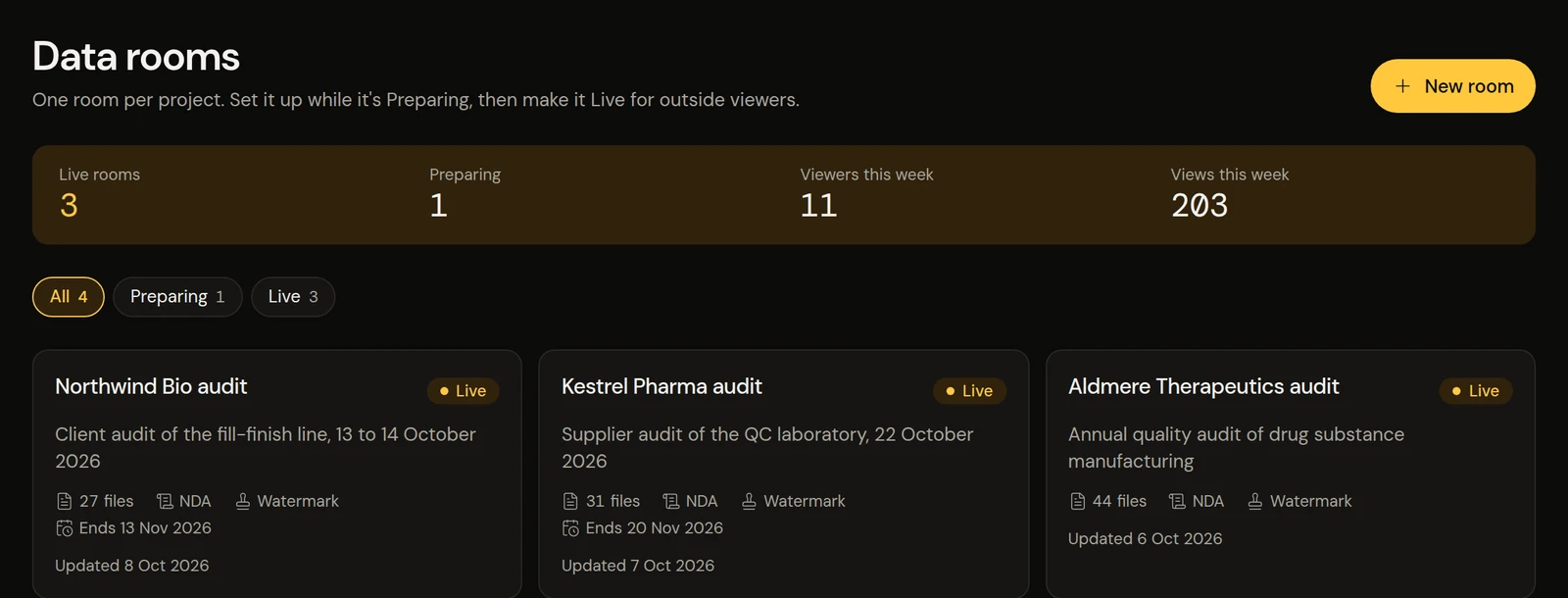
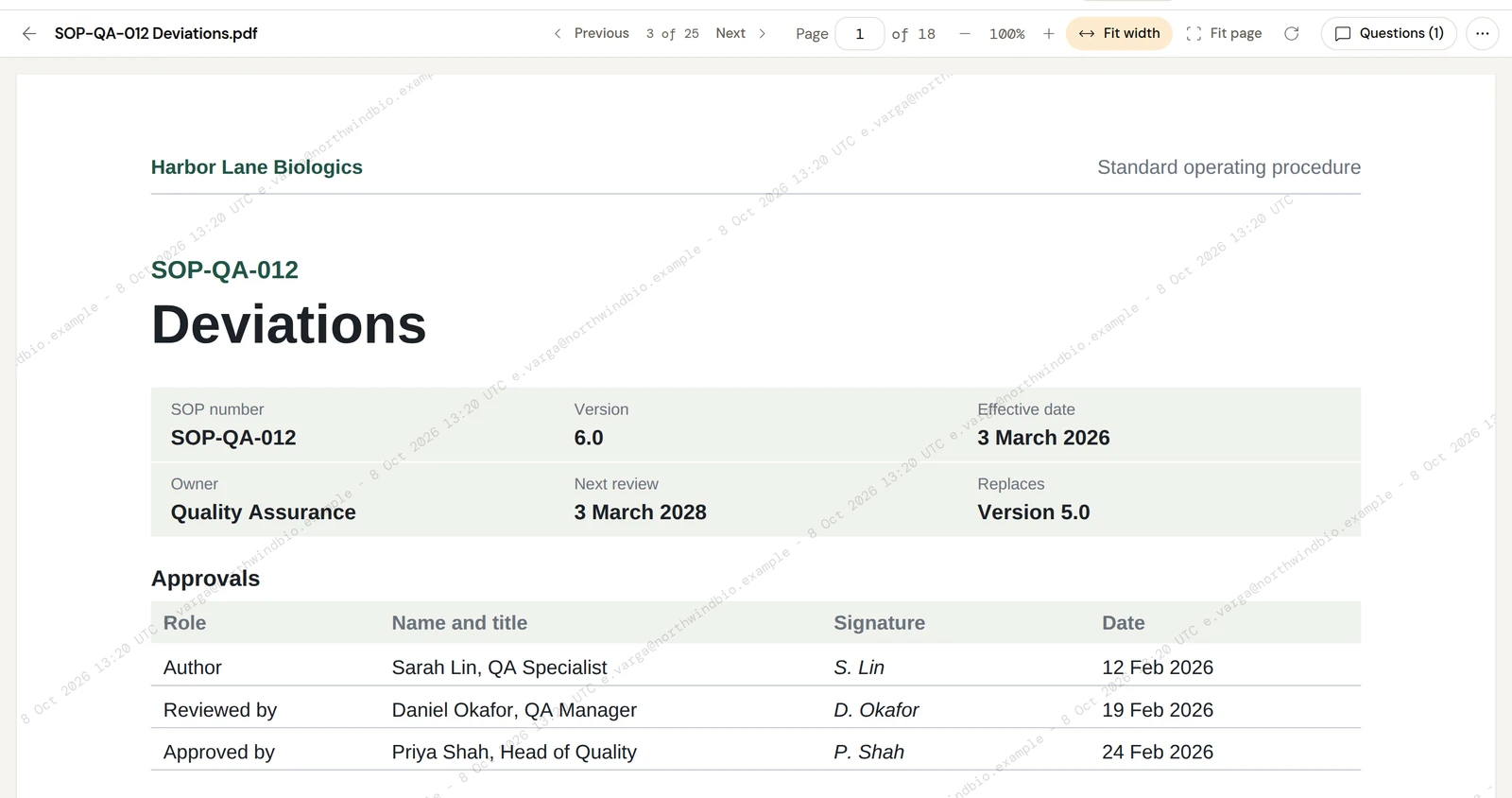
Every room in one place, with this week's viewers at the top.
Auditors read, ask questions and request documents in the room. Your team answers with the file attached, and every step is dated and kept.
Add your SOPs and records, then invite the audit team. They accept your NDA or CDA first.
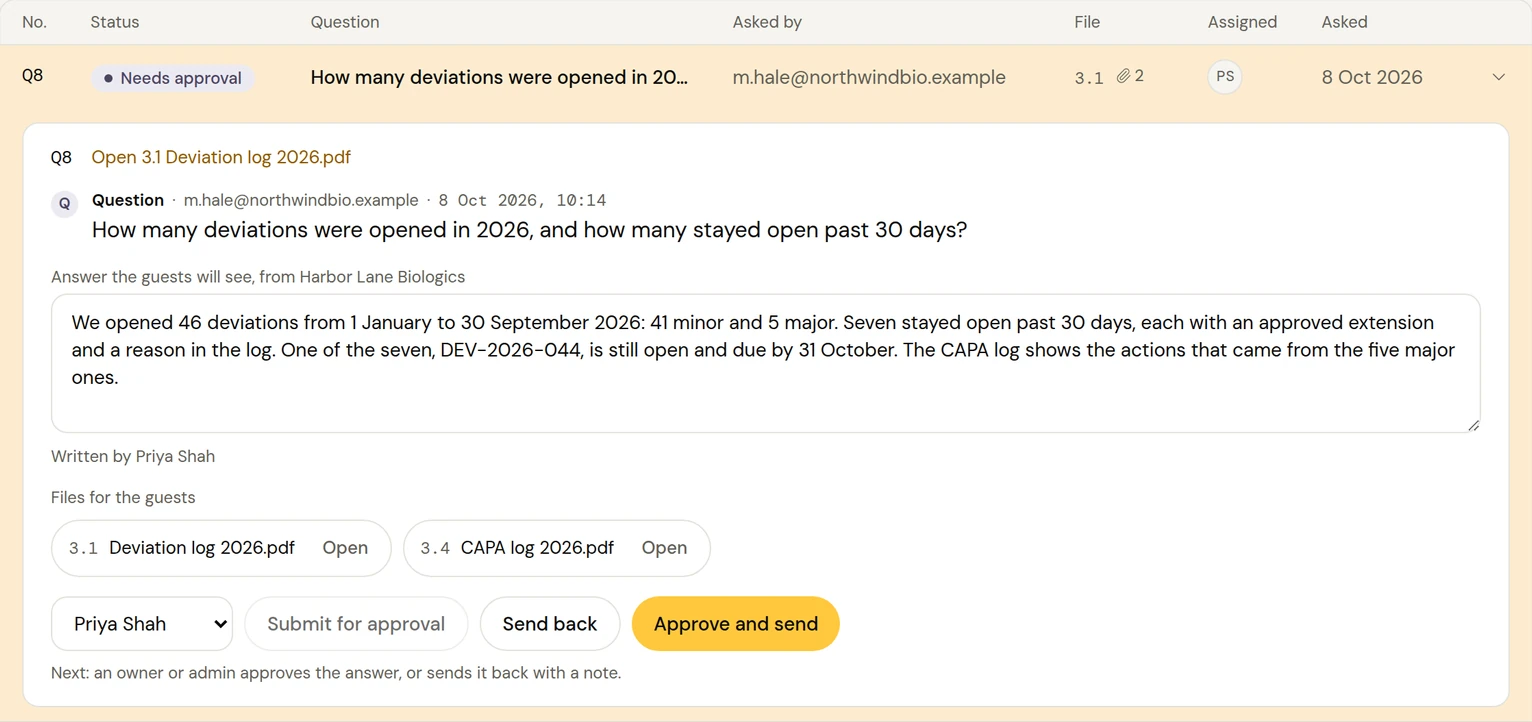
Auditors ask beside the document, or paste their whole request list at once.
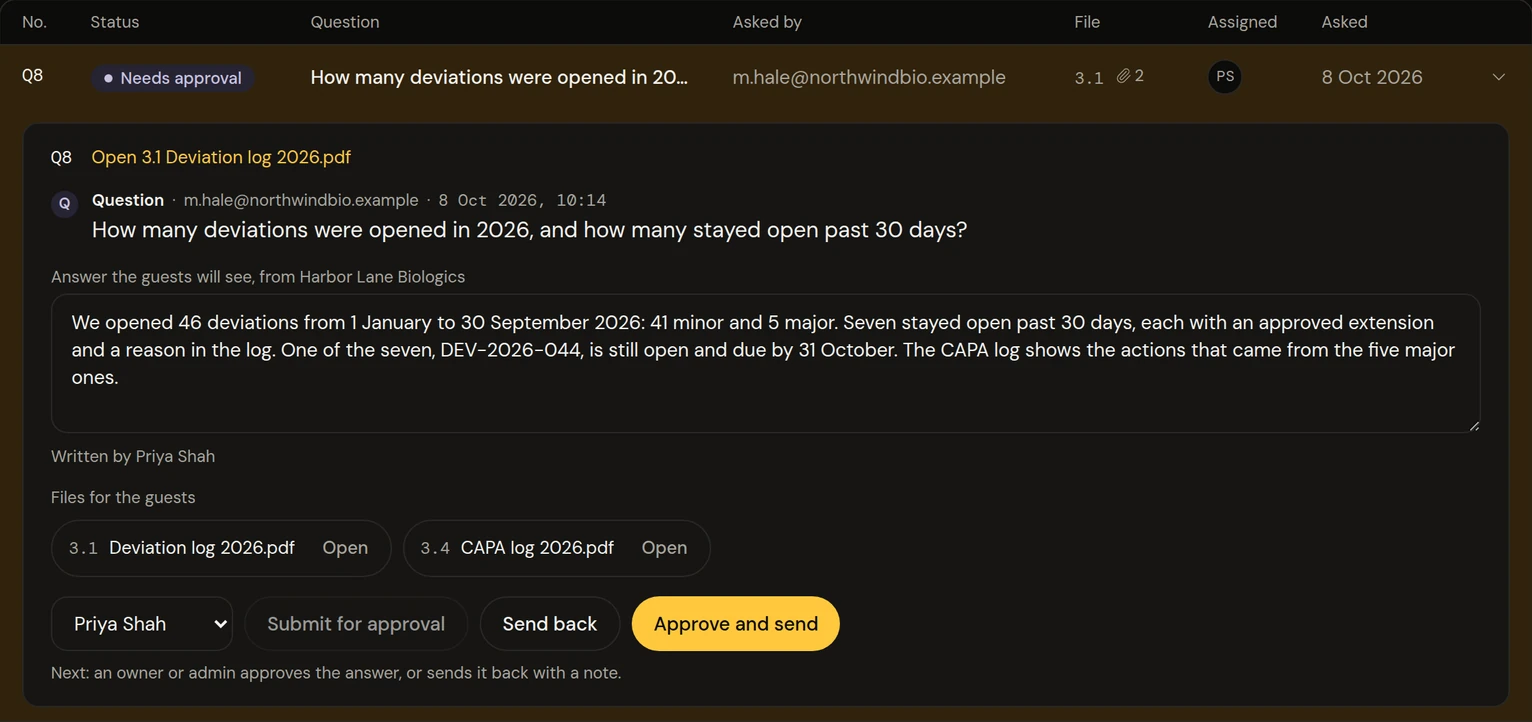
Assign each request, attach the document to the answer and approve it before it goes out.
Download the request list, see who read what, and close the room when the audit ends.
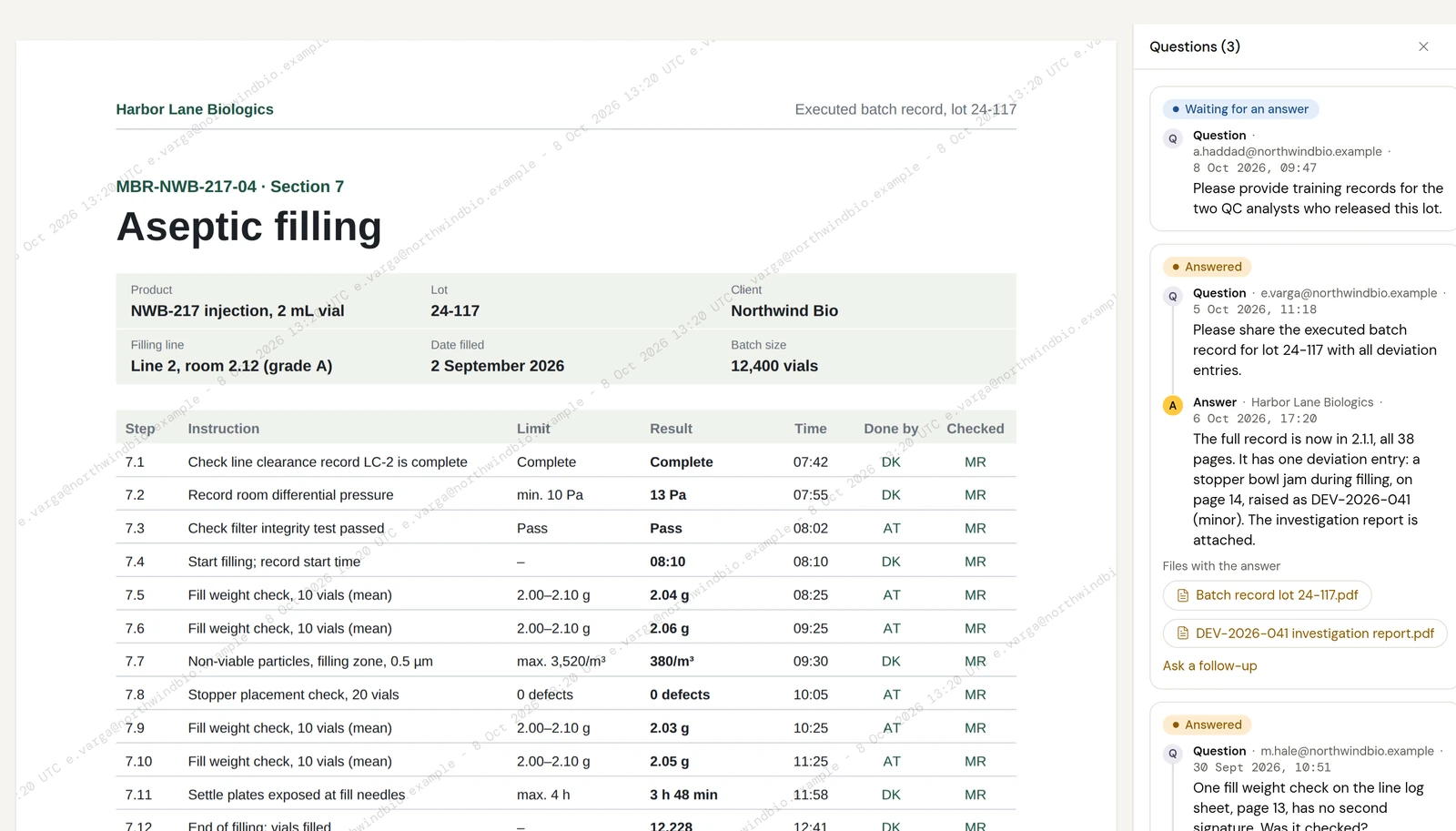
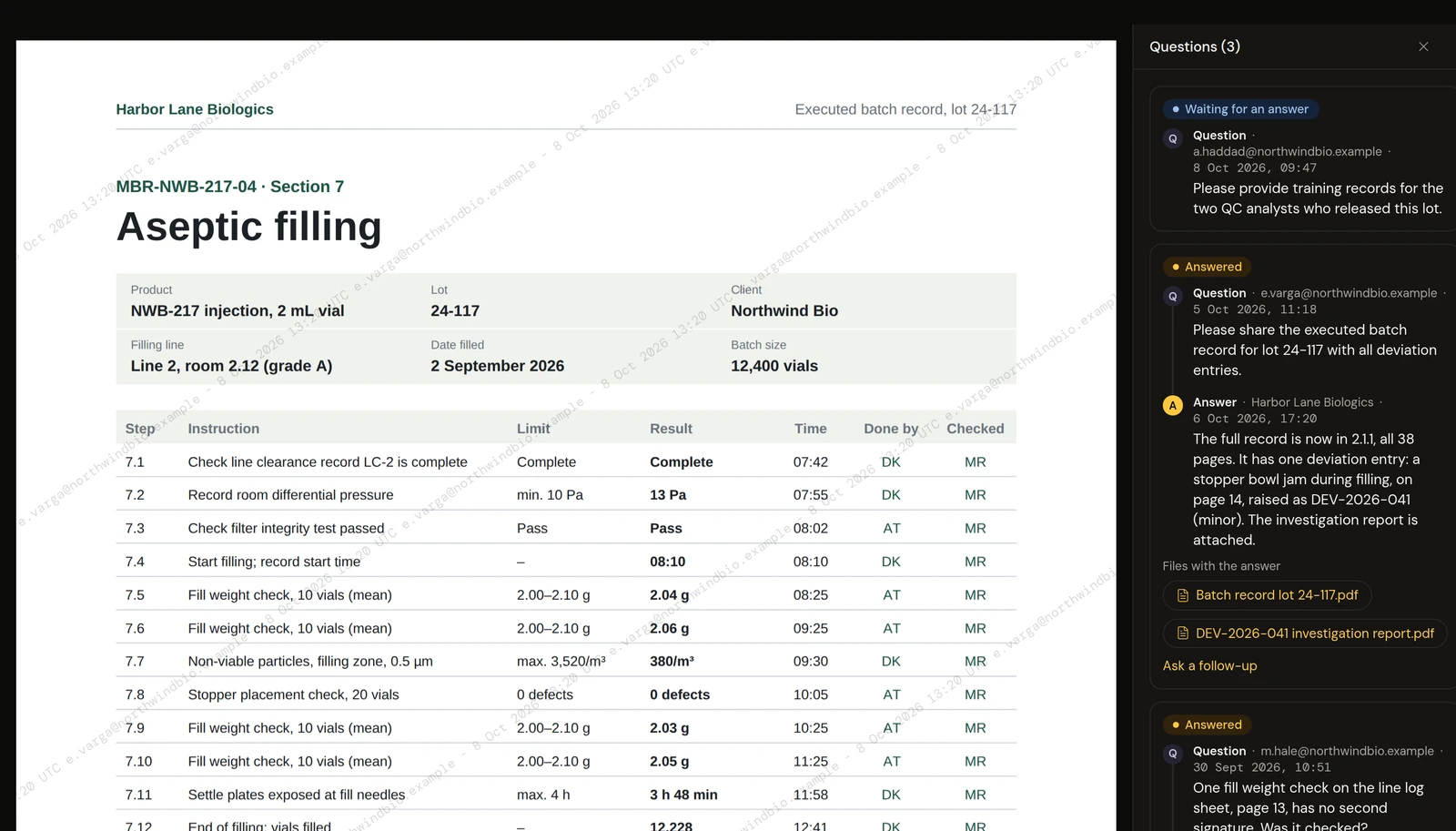
Outside viewers ask next to the document they're about, or paste a whole request list at once. A teammate drafts each answer, an owner can approve it before it goes out, and every answer is dated and kept.
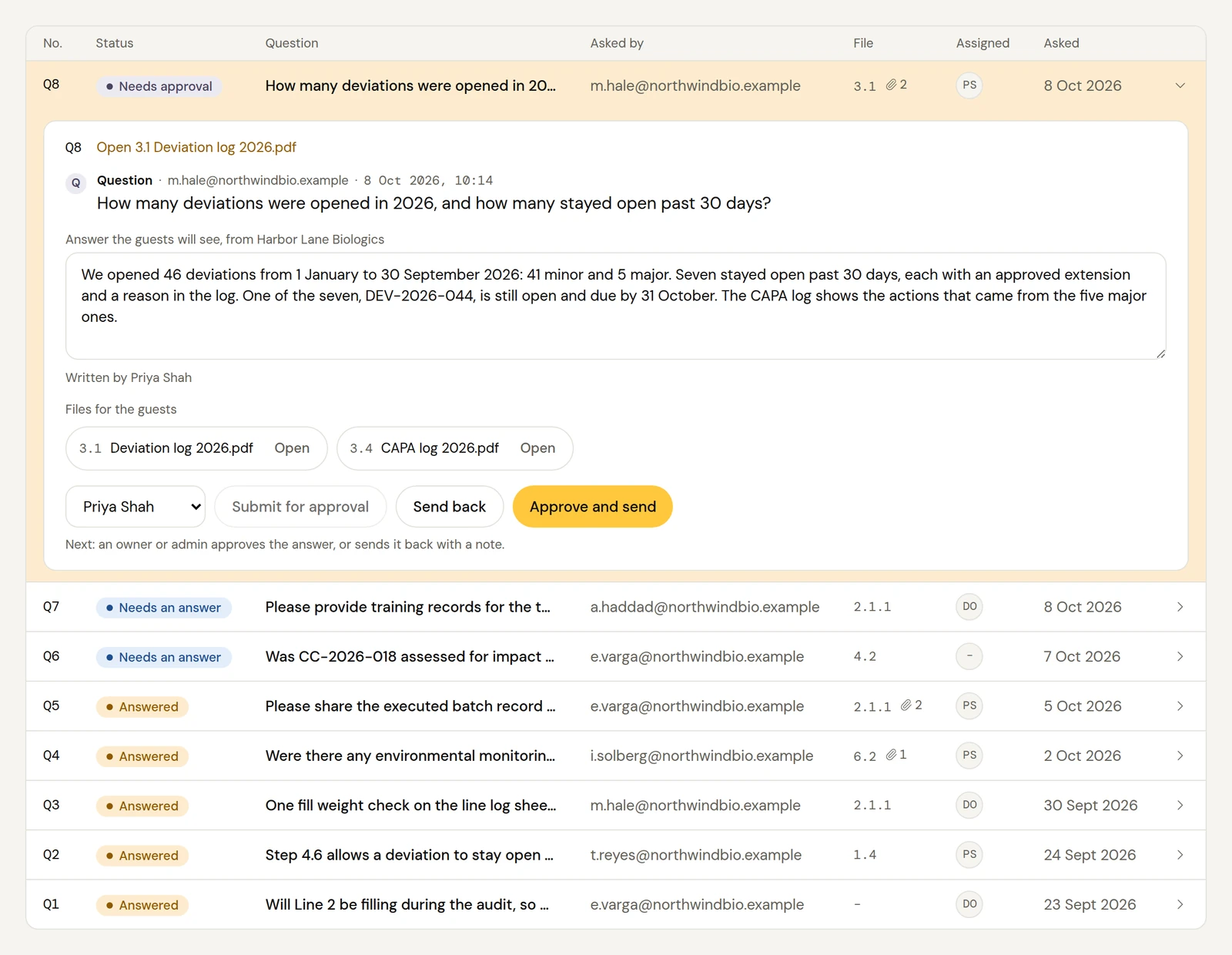
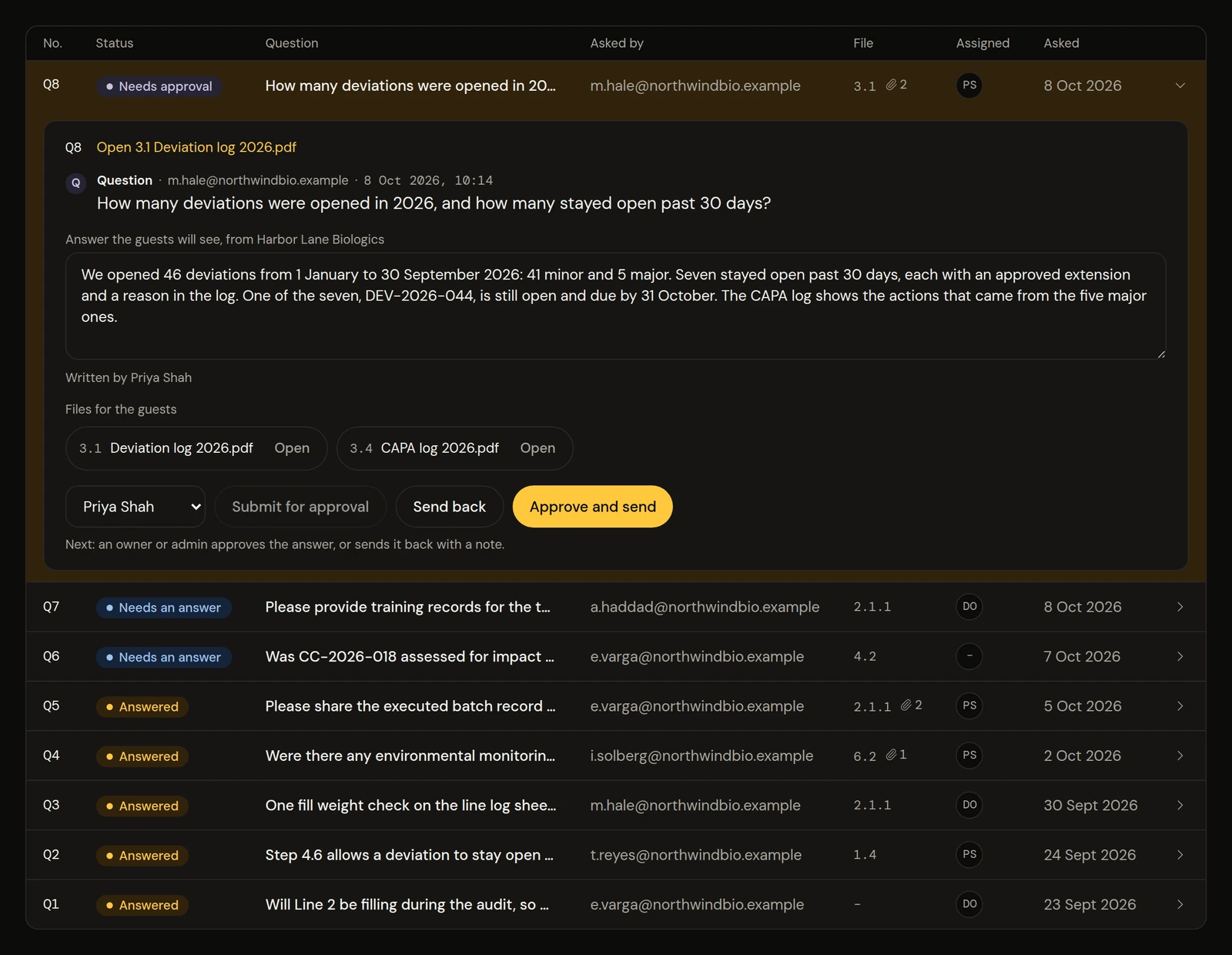
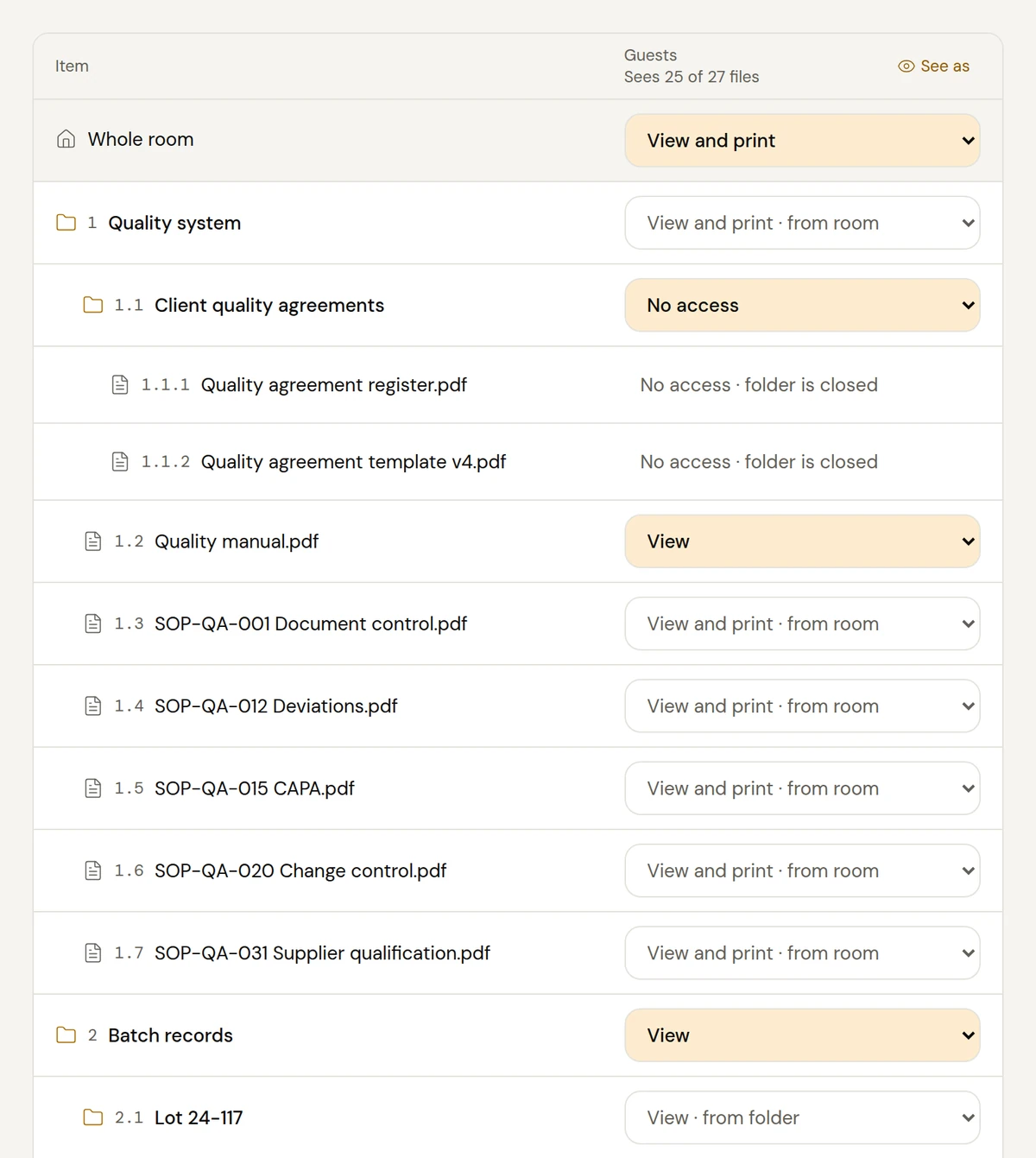
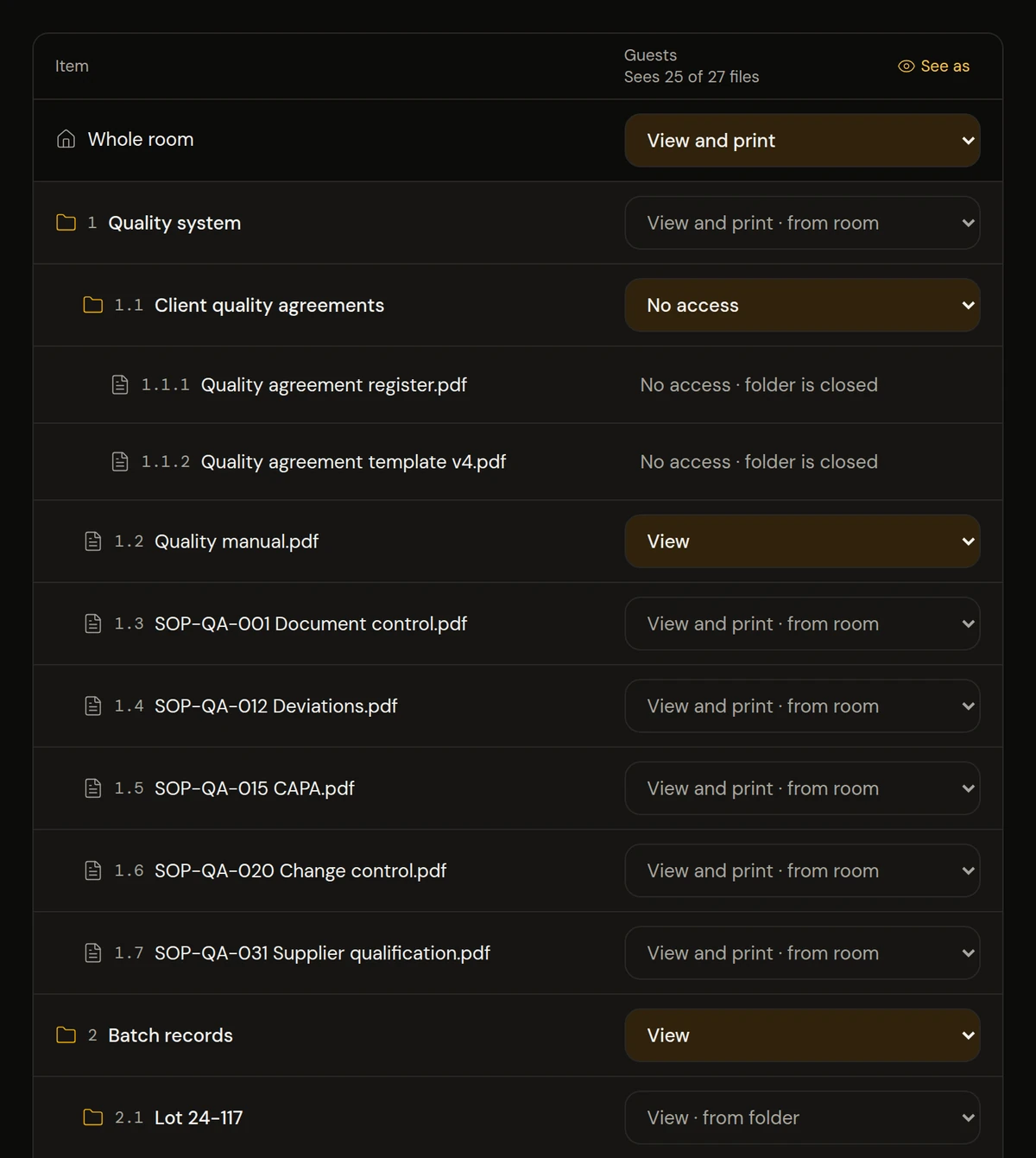
Upload whole folders of PDFs, such as SOPs, batch records or contracts, and Shera numbers them like an index. Give each outside company its own room and choose what its people can open, folder by folder.
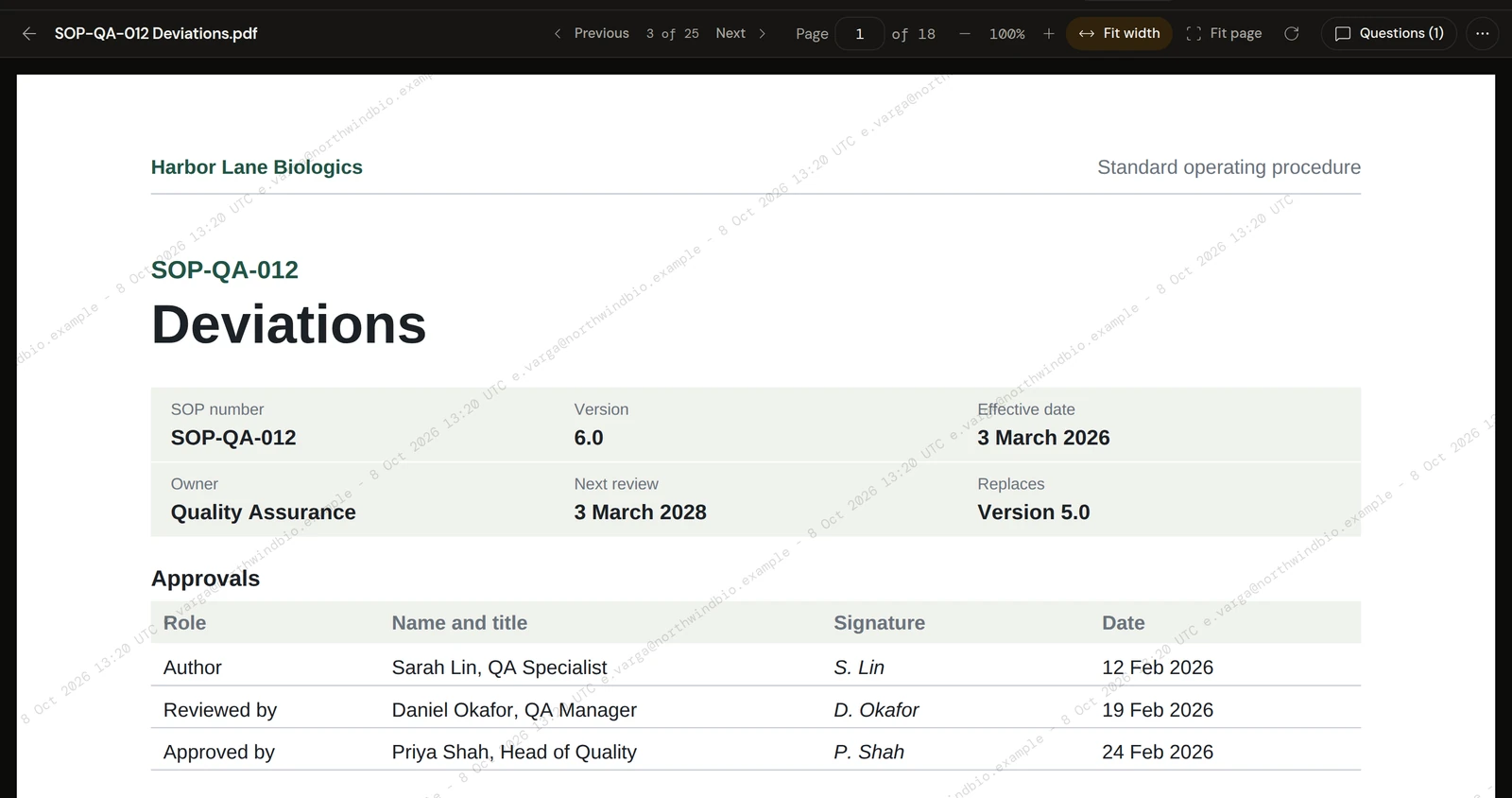
Outside viewers confirm their email with a code, accept your NDA or CDA, and read in a viewer that stamps their email and the date across each page. Questions sit right beside the document.
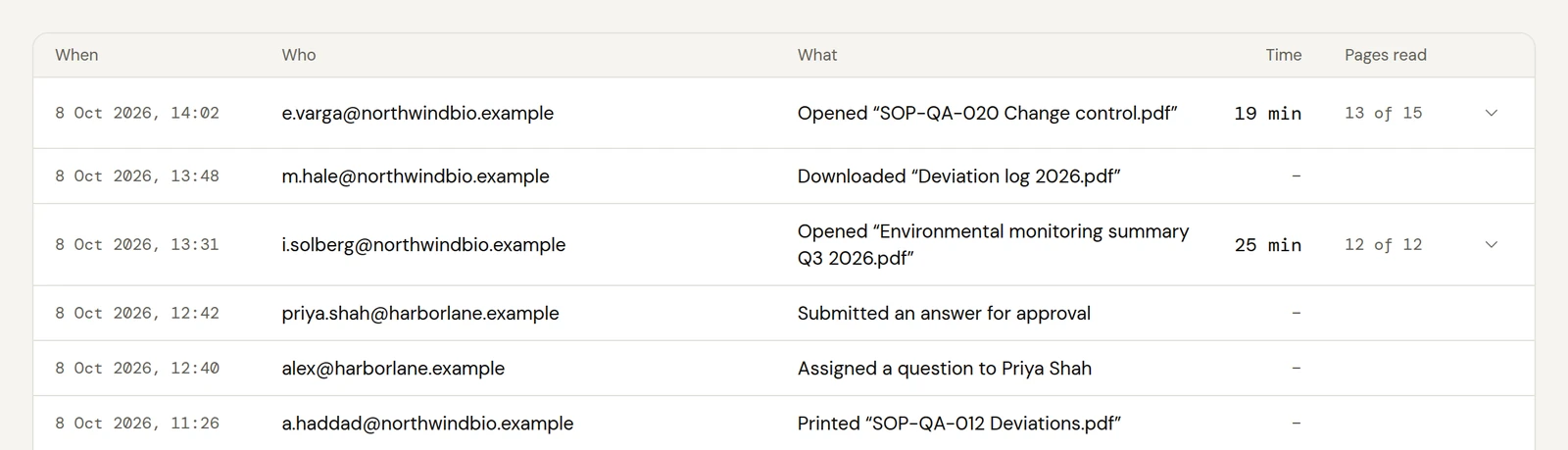
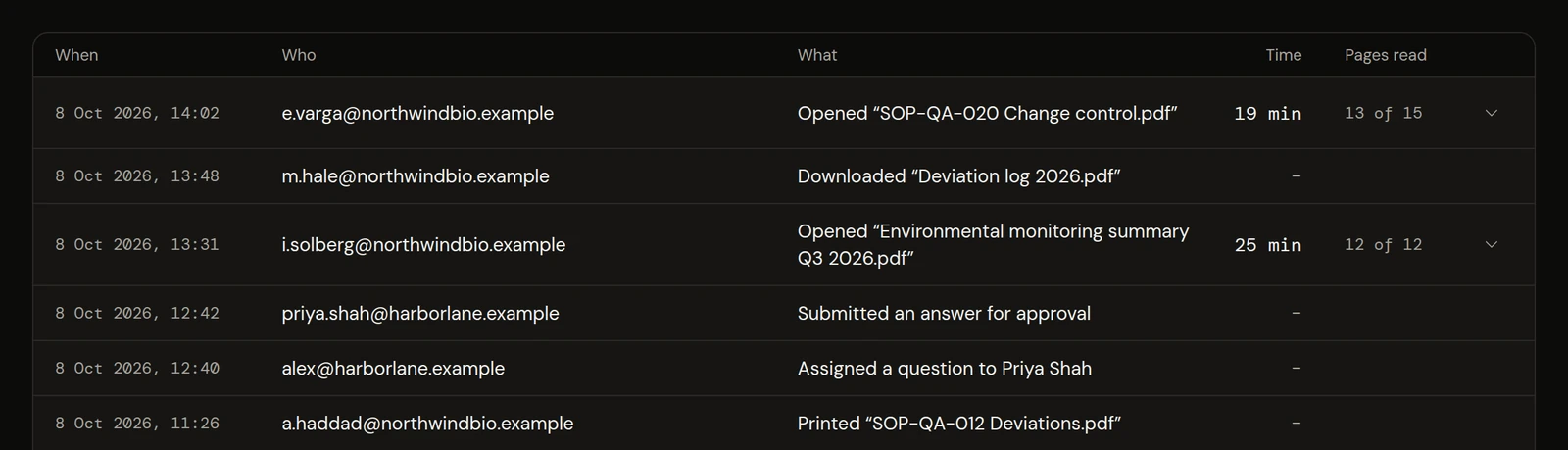
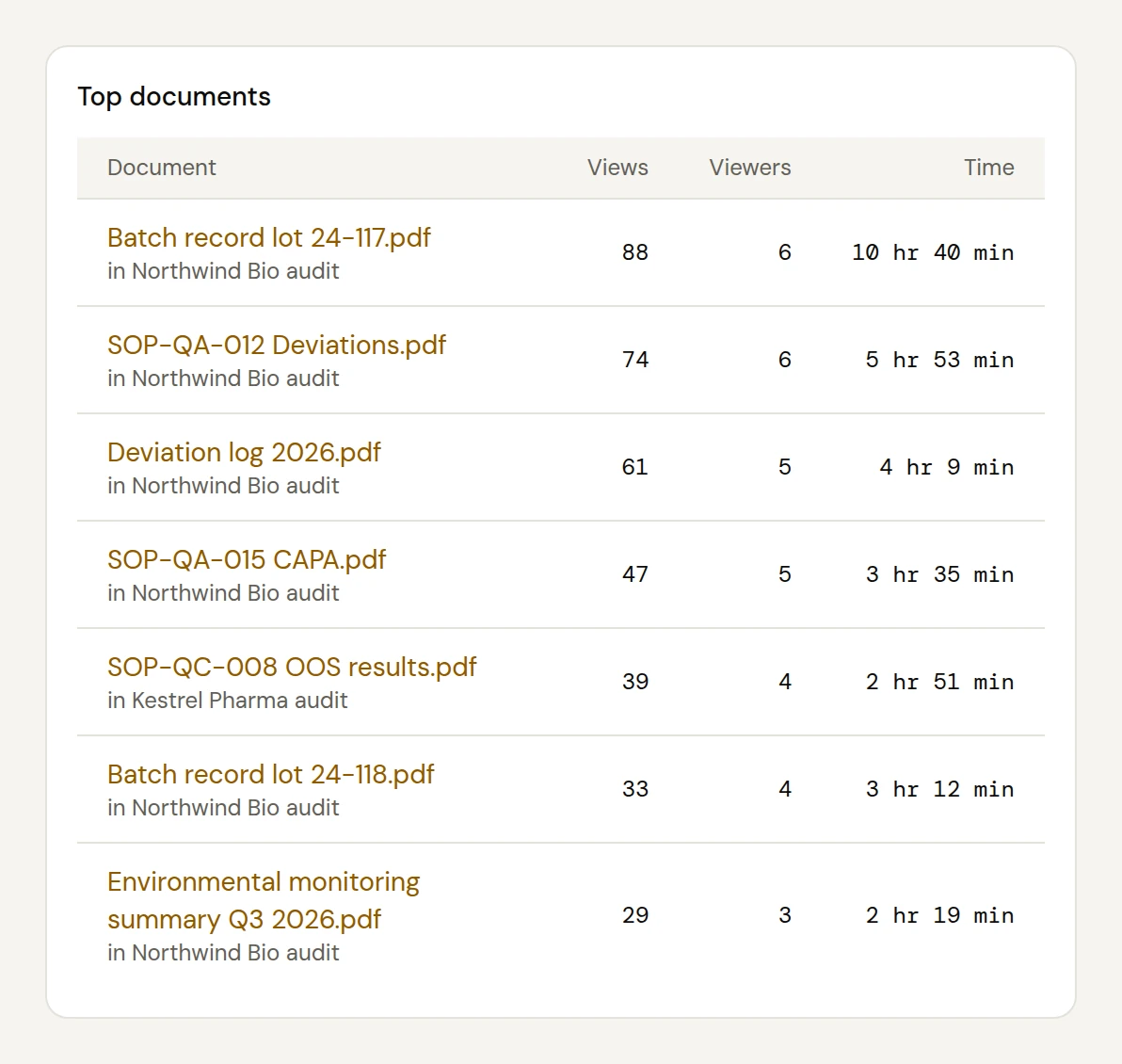
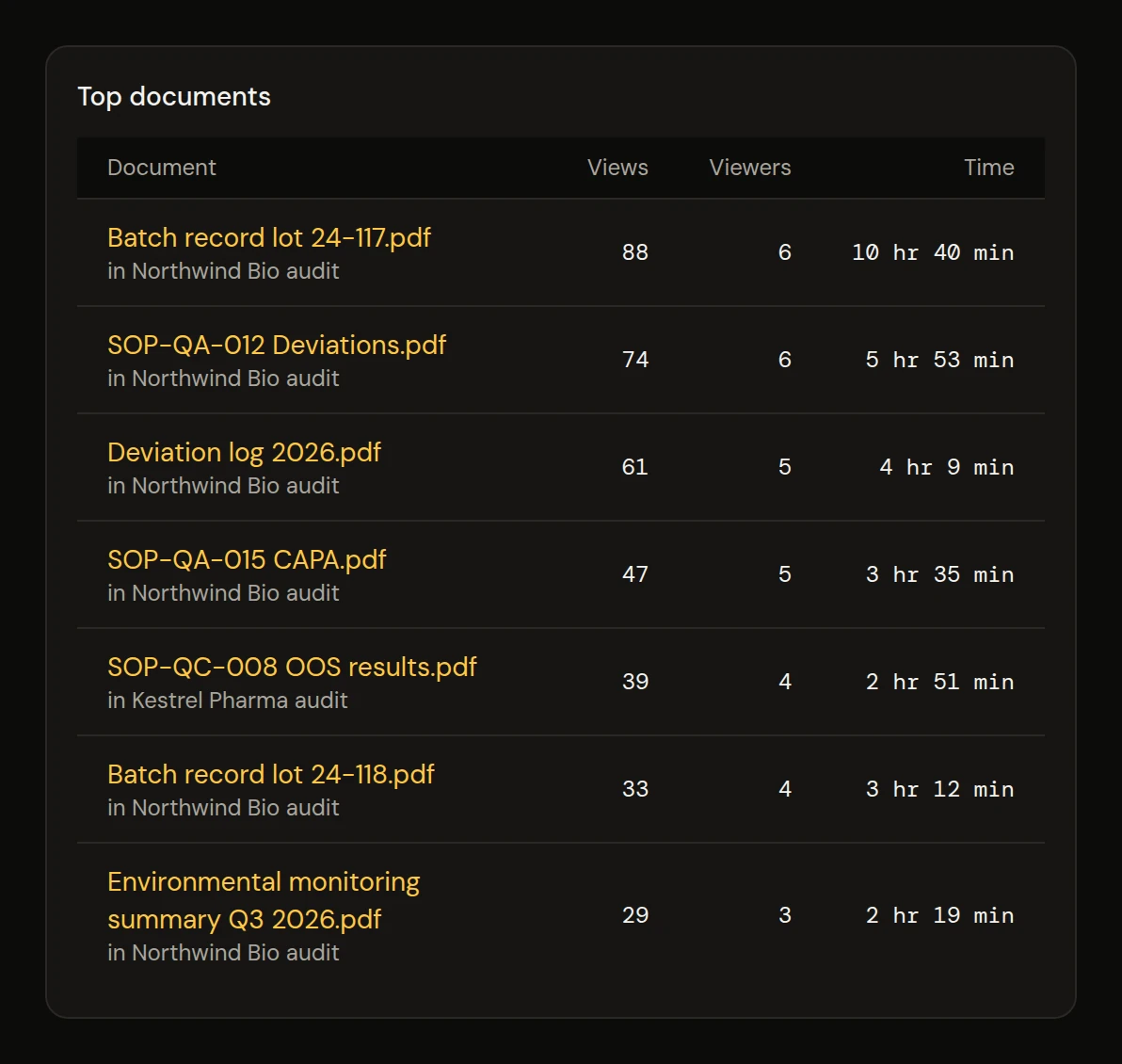
See time spent on each document and page, by person, with their company. Know which records an auditor spent time on, or what a partner read, before you meet.
Plain facts about what Shera does with your files.
Your files and your account data are kept in data centers in North America.
Files are encrypted while they are stored and while they travel to a viewer.
The database itself keeps every firm's rooms and files apart from every other firm's.
Outside viewers confirm their email and accept your agreement before anything opens.
Each page shows the viewer's email and the date, on screen and on watermarked downloads.
Every view, download and change is recorded, and you can export it.
Made for audits in life sciences, and just as useful wherever confidential files leave the company.
Host sponsor and client audits in one room per client, with SOPs, batch records and deviations ready to read.
For exampleA sponsor's two-day audit of your quality system
Share files with CROs, suppliers and partners under your NDA or CDA, and take access back when the work ends.
For exampleQualifying a new supplier of a key ingredient
Company sales, fundraising, property, legal matters and board packs: and any file that should stay in your hands.
For exampleSharing three years of accounts with an investor's advisers
Sign up, upload and invite on your own, in one sitting.
Sign up with your work email, then add your logo and colour.
Drag in folders of PDFs. Shera numbers them like an index.
They confirm their email, accept your NDA and start reading.
Every plan starts with a 14-day free trial of Business. No card needed.
Outside viewers are free and unlimited on every plan. Cancel any time. See all pricing details
Still have a question? Send us a message, and a person will reply.
In North America, encrypted while stored and while it travels. Each firm's data is walled off from every other firm's by the database itself.
No. They confirm their email with a one-time code, accept your NDA and start reading. Viewers are free on every plan.
Give each outside company its own room. Everyone in a room sees the same files and questions, so separate rooms keep each company's questions private.
Yes. Auditors read in their browser while you talk on your usual video call, and you can see which files they open.
Your quality team decides, based on how you use it. Shera is for sharing copies for review, while your originals stay in your own quality system. Shera stores each file exactly as you uploaded it, and adds watermarks only on screen and to watermarked downloads.
Everything stays where it is. To add new rooms, files or people, choose a plan in Settings.
Yes. Remove one person or a whole company in one click. They lose access right away, and the activity record keeps what they read.
Yes. Your logo and brand colour show on every room your viewers open.
PDFs. Upload single files or whole folders, and Shera keeps the folder order and numbers each item. Save Word or Excel files as PDF first, so everyone sees the same fixed pages. To hide part of a record, redact it in your PDF tool first, then upload the redacted copy.
Yes. Download a whole room as one zip file, with its index and activity record, whenever you like.
Open a room, invite the other side, and know what they read.